How to share the stat sheet with the panel
Once the match is logged, the stat sheet becomes a report the whole panel can read: the score, the scorers, the shooting, every player's own line and the pitch map. This is how to get it to them.
Coaches put names to numbers and submit the sheet. Every player can read it once it is submitted.
Step by step
The sheet is yours until you submit it
While the match is being logged, only coaches can see it, so a half finished sheet never reaches the panel.
Put names to numbers
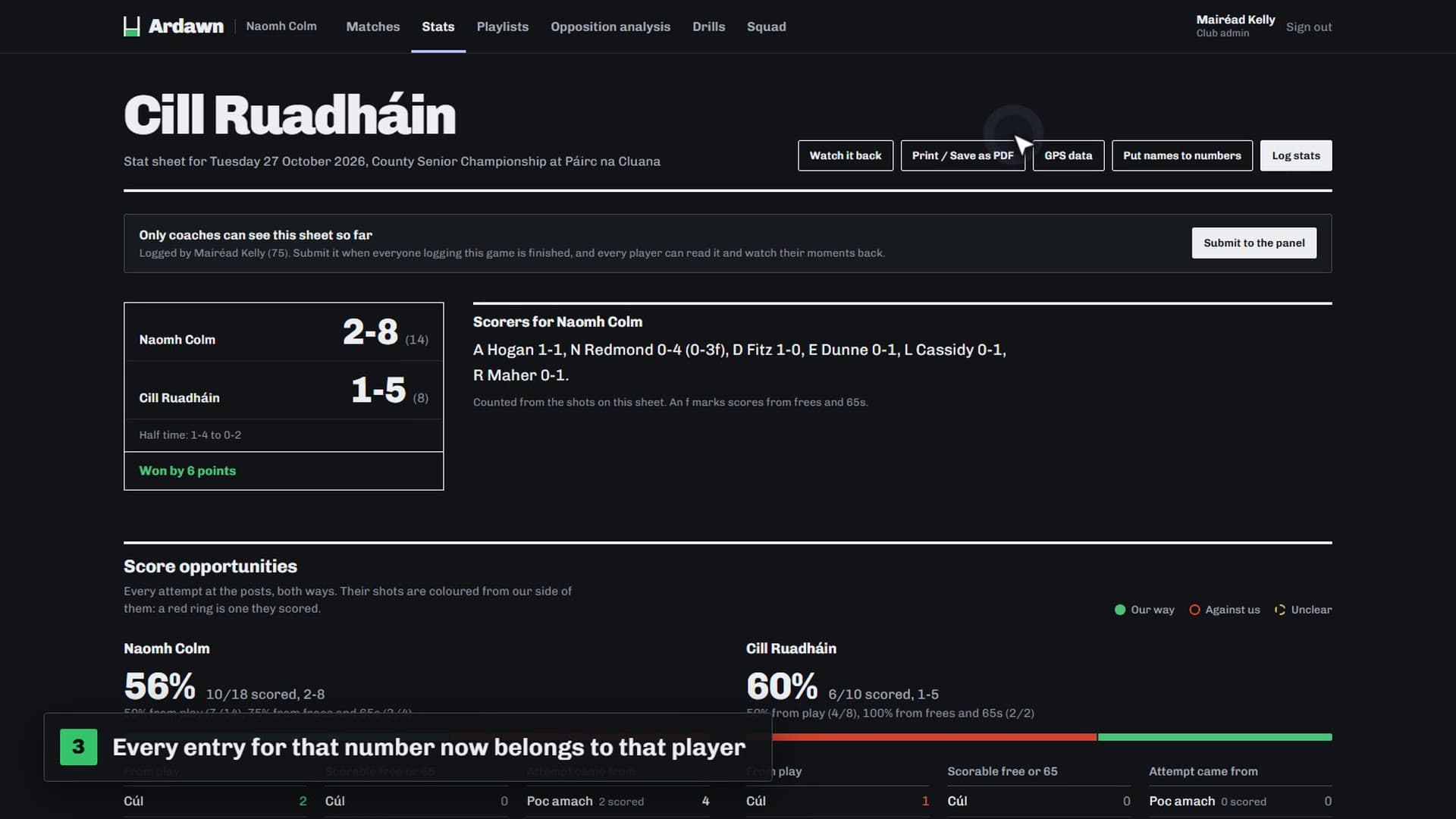
Stats are logged by jersey number. Press Put names to numbers and name each one, or give it the whole team sheet at once: a photo, a screenshot or a CSV. Check what it read, and every entry for that number then belongs to that player.
Submit it to the panel
When everyone logging the match has finished, press Submit to the panel.
Every player can read it
The report shows the score, the scorers, the shooting from play and from frees, and a line in the table for each player. Every shot, restart and delivery is on the pitch, split by half.
Worth knowing
- On paper
- Press Print or Save as PDF on the same page for a copy to hand out or keep.
- Watch it done
- Members can watch this as a short video, “After the match: share the stat sheet”, on the Help page once they sign in.