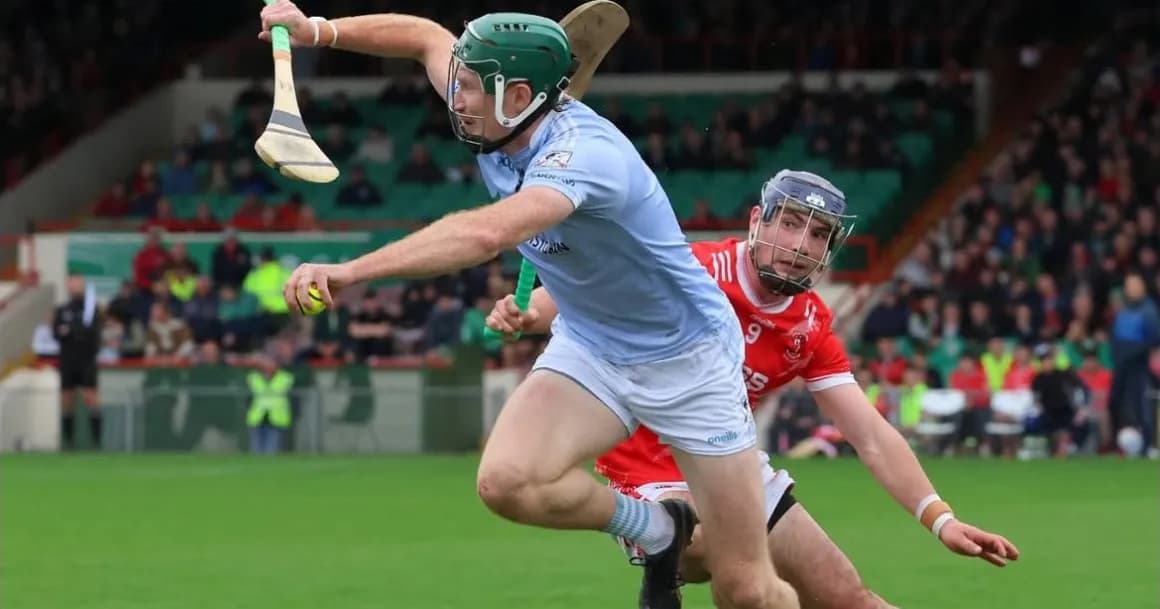
Ardawn for hurling
The hurling analysis platform for your club.
Upload the match and the whole panel can watch it back on their phones. Clip the scores and the turnovers, keep the stat sheet live from the line or afterwards from the footage, and draw the drills for training. All of it in hurling's own terms: the puckout, the 65, the goal and the point.
- Watch
- Full matches in game time, on any phone or laptop.
- Clip
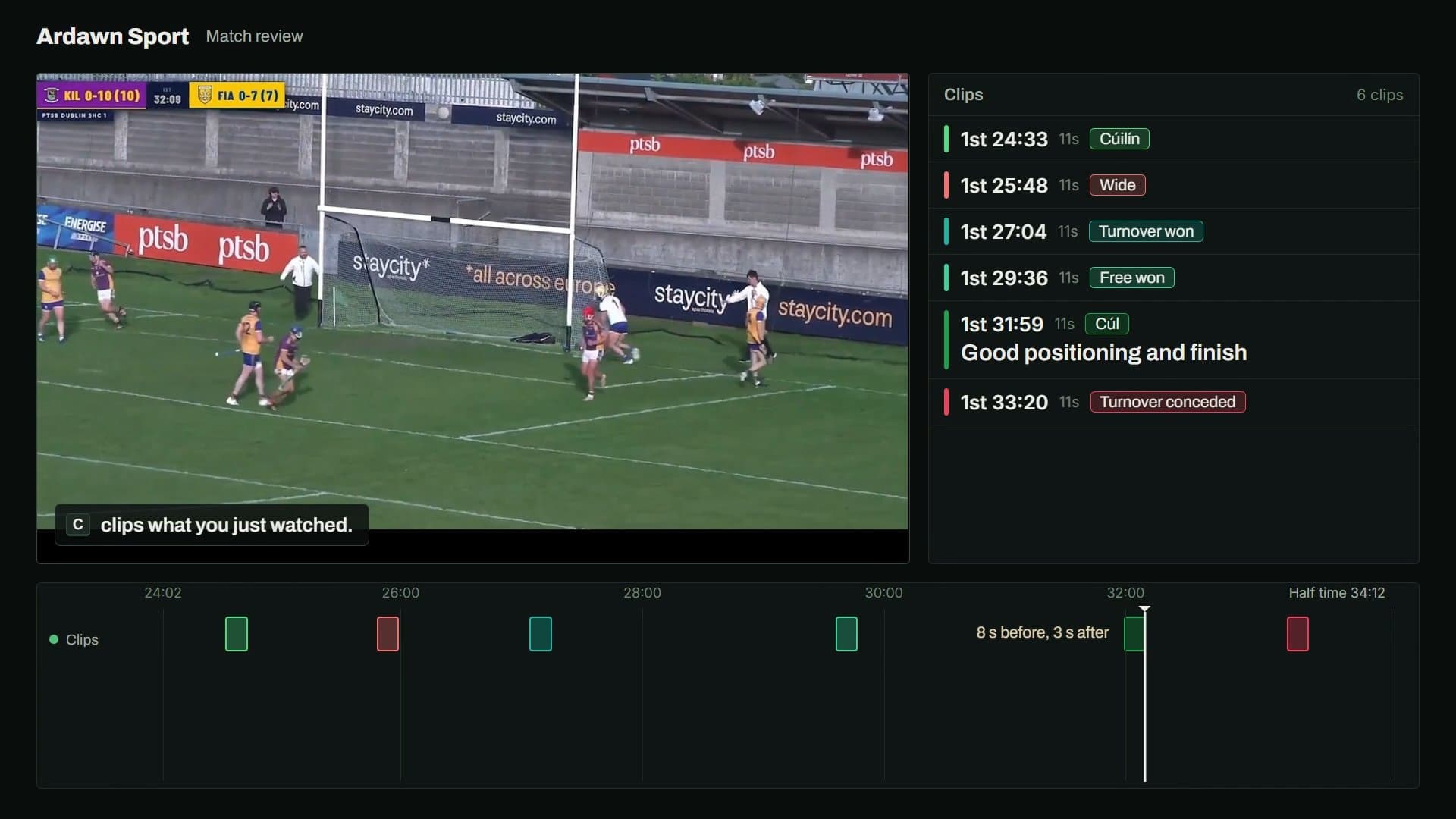
- Cut out the scores, the wides and the turnovers and send them to the players involved.
- Stats
- Log every puckout, shot and turnover and see them on a pitch map.
- Drills
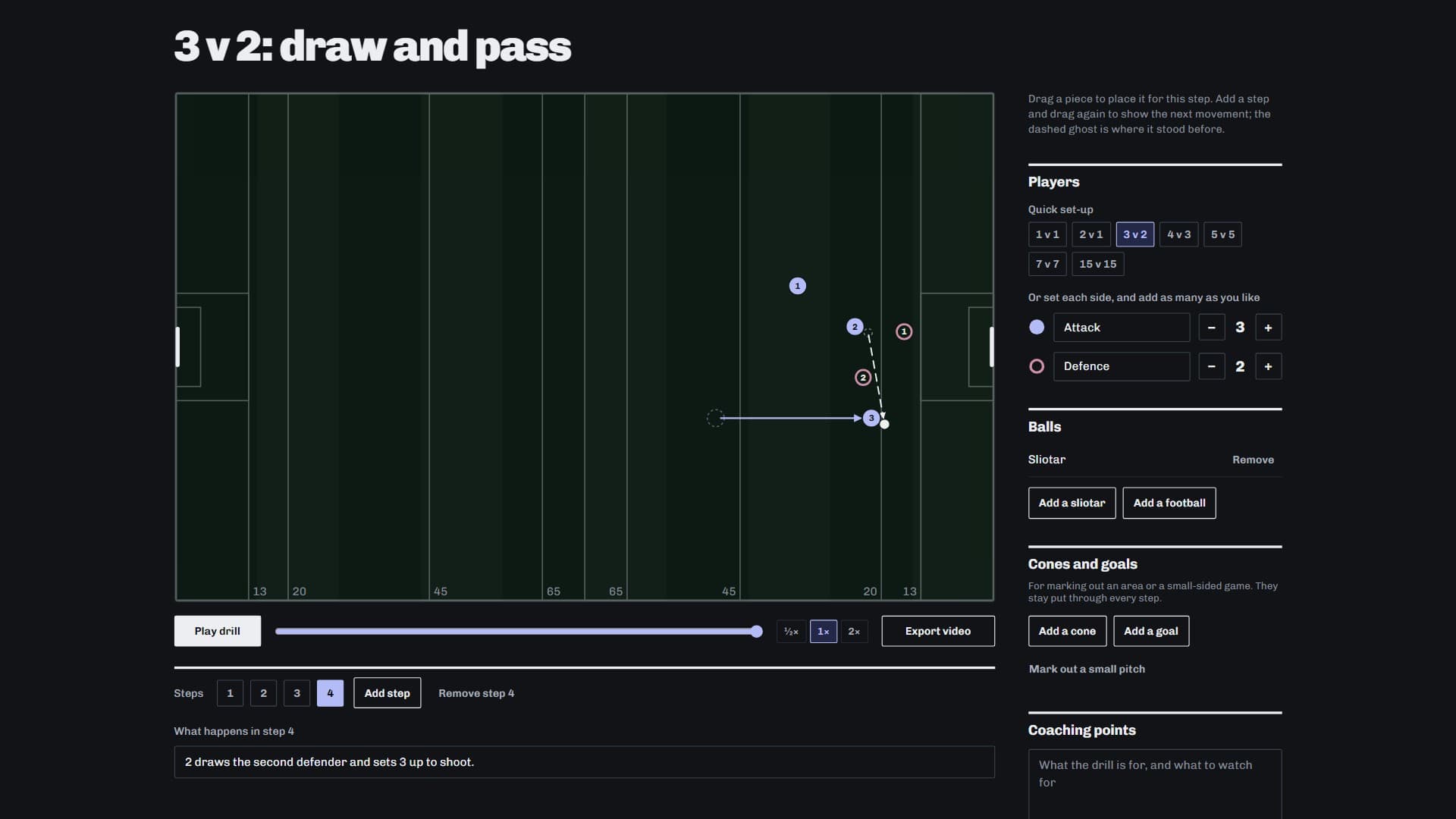
- Draw a drill with a sliotar, play it back and share it as a video.
Built for hurling.
- The puckout
- Log whose puck-out it was, how far it went, short, medium or long, and whether the break was won, lost or unclear. Yours and theirs both land on the pitch map.
- Every shot, from where it was struck
- From play or a placed ball, yours and theirs: a goal, a point, a wide, saved, dropped short, or put out for a 65. The shooting reads back as scored from attempted.
- Deliveries from inside your 65
- Ball struck from inside your own 65 to beyond theirs, drawn as an arrow from where it was struck to where it landed, and marked won or lost.
- Tackles, turnovers and frees
- Where each tackle was made, with the ones from your front eight flagged. Possession won and lost, and where every free was given and won.
- A hurling pitch on the drill board
- New drills start with a sliotar on a pitch marked at the 13, the 20, the 45 and the 65, and the ready-made drills come the same way.
A closer look
Clipping
Clip the match.
Press C after a score and Ardawn keeps the eight seconds before it and three after. Tag the clip with the player and what happened, then share it with the panel.
Stats
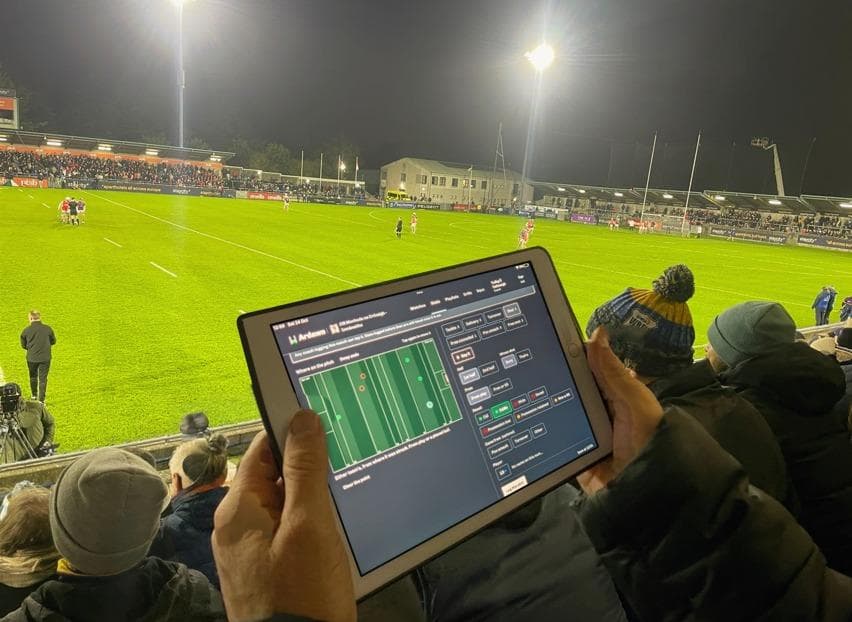
Keep the stats.
Log tackles, shots, turnovers and puck-outs live from the sideline, by tap or by voice, or after the game from the footage, and see them on a pitch map.
Drills
Draw the drills.
Plan a drill on a hurling pitch, play it back step by step, and send it to the panel as a video.
Up and running in a minute.
Set up your club
Make your space on Ardawn in about a minute.
Join your club as a player
One team code from your manager, and you are in.
Clipping, stats, drills and bringing footage in, step by step: every how to guide
Questions clubs ask
Can we log puck-outs during the match?
Yes. Log each puckout from the line as it happens, by tap or by voice, or go back over them from the footage afterwards. Both are kept on the same stat sheet.
What footage works?
Any match saved as an MP4. Upload it, or bring it in from Veo, Pixellot, Hudl, Spiideo, Google Drive or Dropbox.
Do players need to install anything?
No. It works in the browser on any phone or laptop. Players and coaches join with your team's code at no charge.
We are a dual club. Does that work?
Yes. Each team is its own space on Ardawn with its own panel, footage and code, so your hurlers see hurling's terms and your footballers see football's.
Prices start at €350 a year for a team. See every plan
Bring your next match in.
Got a code? Join your team